

CRITICAL FIX (2026-03-19): Fixed eos_token_id — previous versions caused infinite thinking loops. You MUST re-download this model if you downloaded before today.
Update (2026-03-18): Models have been updated to v2.1.0 with VLM support, proper tokenizer, and fixed configs. If you downloaded before this date, please re-download for full MLX Studio compatibility.

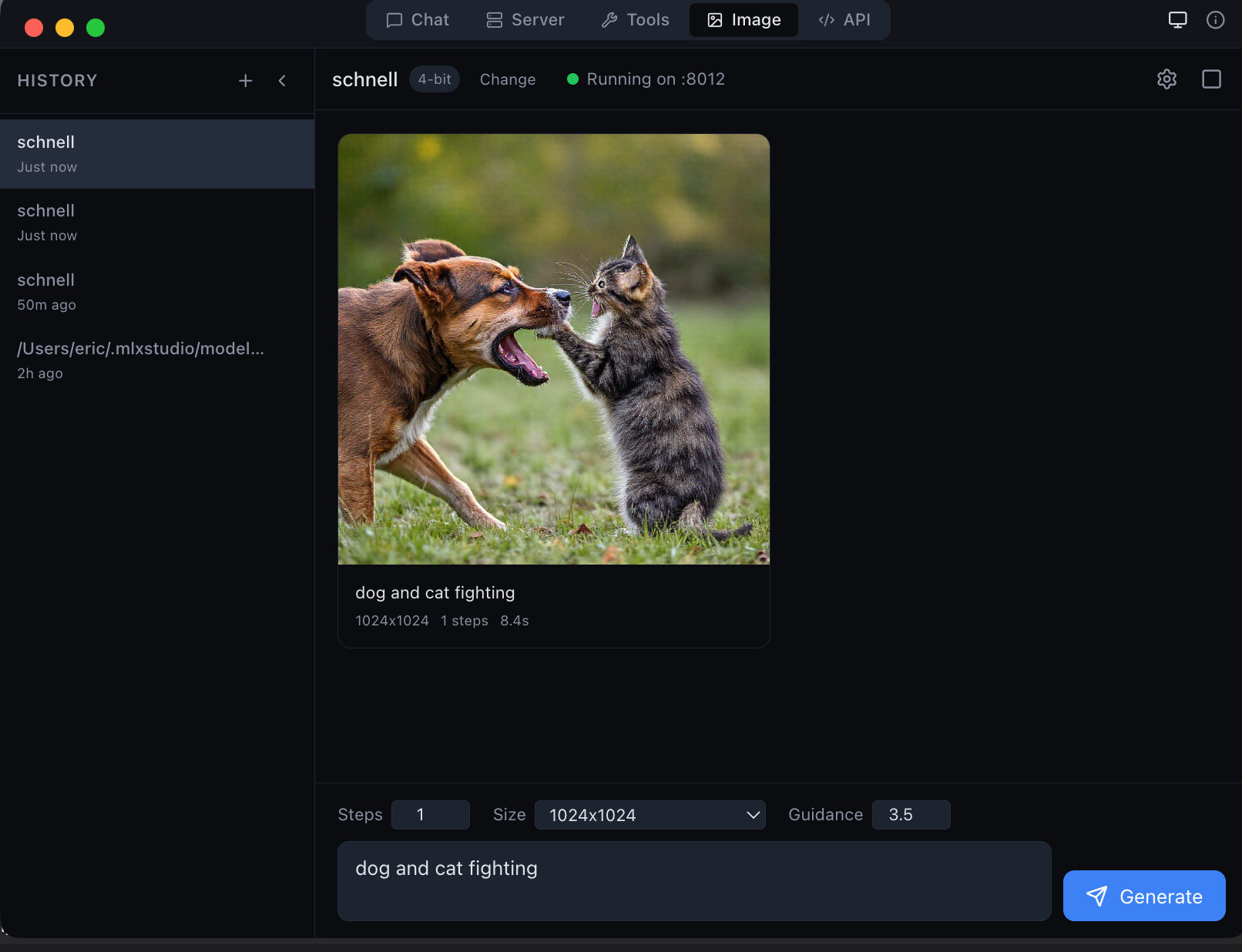
MLX Studio — the only app that natively supports JANG models
Early Adoption: LM Studio, Ollama, oMLX, Inferencer do not support JANG yet. Use MLX Studio or
pip install "jang[mlx]". Ask your favorite app's creators to add JANG support!

Qwen3.5-9B — JANG_4S (4.34-bit) — VLM
JANG — Jang Adaptive N-bit Grading | Mixed-Precision Quantization for Apple Silicon




JANG is fully open-source. Quantization engine, research, and full commit history: github.com/jjang-ai/jangq. Created by Jinho Jang.
Results (200-question MMLU)
| Model | MMLU | Size | Speed |
|---|---|---|---|
| JANG_4S (4.34-bit) | 73.0% | 6.0 GB | — |
| MLX 4-bit | 72.5% | 4.7 GB | — |
| MLX 3-bit | 64.0% | 3.7 GB | — |
| MLX 2-bit | 22.0% | 2.6 GB | — |
JANG_4S beats MLX 4-bit on 9B — attention at 6-bit preserves quality.
Per-Subject Scores
| Subject | JANG_4S | MLX_4bit | MLX_3bit | MLX_2bit |
|---|---|---|---|---|
| Abstract Algebra | 9/20 | 11/20 | 8/20 | 4/20 |
| Anatomy | 16/20 | 15/20 | 13/20 | 6/20 |
| Astronomy | 20/20 | 20/20 | 16/20 | 5/20 |
| College CS | 14/20 | 13/20 | 10/20 | 7/20 |
| College Physics | 13/20 | 13/20 | 12/20 | 6/20 |
| HS Biology | 18/20 | 18/20 | 19/20 | 4/20 |
| HS Chemistry | 15/20 | 14/20 | 15/20 | 4/20 |
| HS Mathematics | 8/20 | 9/20 | 5/20 | 2/20 |
| Logical Fallacies | 17/20 | 16/20 | 16/20 | 3/20 |
| World Religions | 16/20 | 16/20 | 14/20 | 3/20 |
| Total (/200) | 146 | 145 | 128 | 44 |
Specs
| Metric | Value |
|---|---|
| Source | Qwen3.5-9B |
| Profile | JANG_4S (CRITICAL=6, IMPORTANT=4, COMPRESS=4) |
| Average bits | 4.34 |
| VLM | Yes (333 vision tensors) |
| Speed | ~70 tok/s |
| Format | v2 (MLX-native, instant load) |
Install
pip install "jang[mlx]"
For Vision-Language models:
pip install "jang[vlm]"
Quick Start
from jang_tools.loader import load_jang_model
from mlx_lm.sample_utils import make_sampler
from mlx_lm.generate import generate_step
import mlx.core as mx

model, tokenizer = load_jang_model("JANGQ-AI/Qwen3.5-9B-JANG_4S")
sampler = make_sampler(temp=0.7)

tokens = tokenizer.encode("What is photosynthesis?")
for tok, _ in generate_step(prompt=mx.array(tokens), model=model, max_tokens=200, sampler=sampler):
    t = tok.item() if hasattr(tok, 'item') else int(tok)
    print(tokenizer.decode([t]), end="", flush=True)
    if t == tokenizer.eos_token_id:
        break
VLM Inference
from jang_tools.loader import load_jang_vlm_model
from mlx_vlm import generate

model, processor = load_jang_vlm_model("JANGQ-AI/Qwen3.5-9B-JANG_4S")

prompt = processor.tokenizer.apply_chat_template(
    [{"role": "user", "content": [
        {"type": "image", "image": "photo.jpg"},
        {"type": "text", "text": "Describe this image."}
    ]}], add_generation_prompt=True, tokenize=False, enable_thinking=False)

result = generate(model, processor, prompt, ["photo.jpg"], max_tokens=200)
print(result.text)
Links
- GitHub | HuggingFace | MLX Studio | PyPI | Format Spec
한국어
Qwen3.5-9B — JANG 4S
JANG은 Apple Silicon을 위한 혼합정밀도 양자화 포맷입니다. MLX를 위한 GGUF와 같은 역할을 합니다.
| 모델 | MMLU | 크기 |
|---|---|---|
| JANG_4S | 73.0% | 6.0 GB |
| MLX 4-bit | 72.5% | 4.7 GB |
설치
pip install "jang[mlx]"
호환성
현재 **MLX Studio**만 JANG 포맷을 기본 지원합니다. LM Studio, Ollama 등은 아직 지원하지 않습니다.
GitHub · HuggingFace · MLX Studio · PyPI
장진호 제작 · Created by Jinho Jang — jangq.ai · @dealignai
- Downloads last month
- 197
Quantized